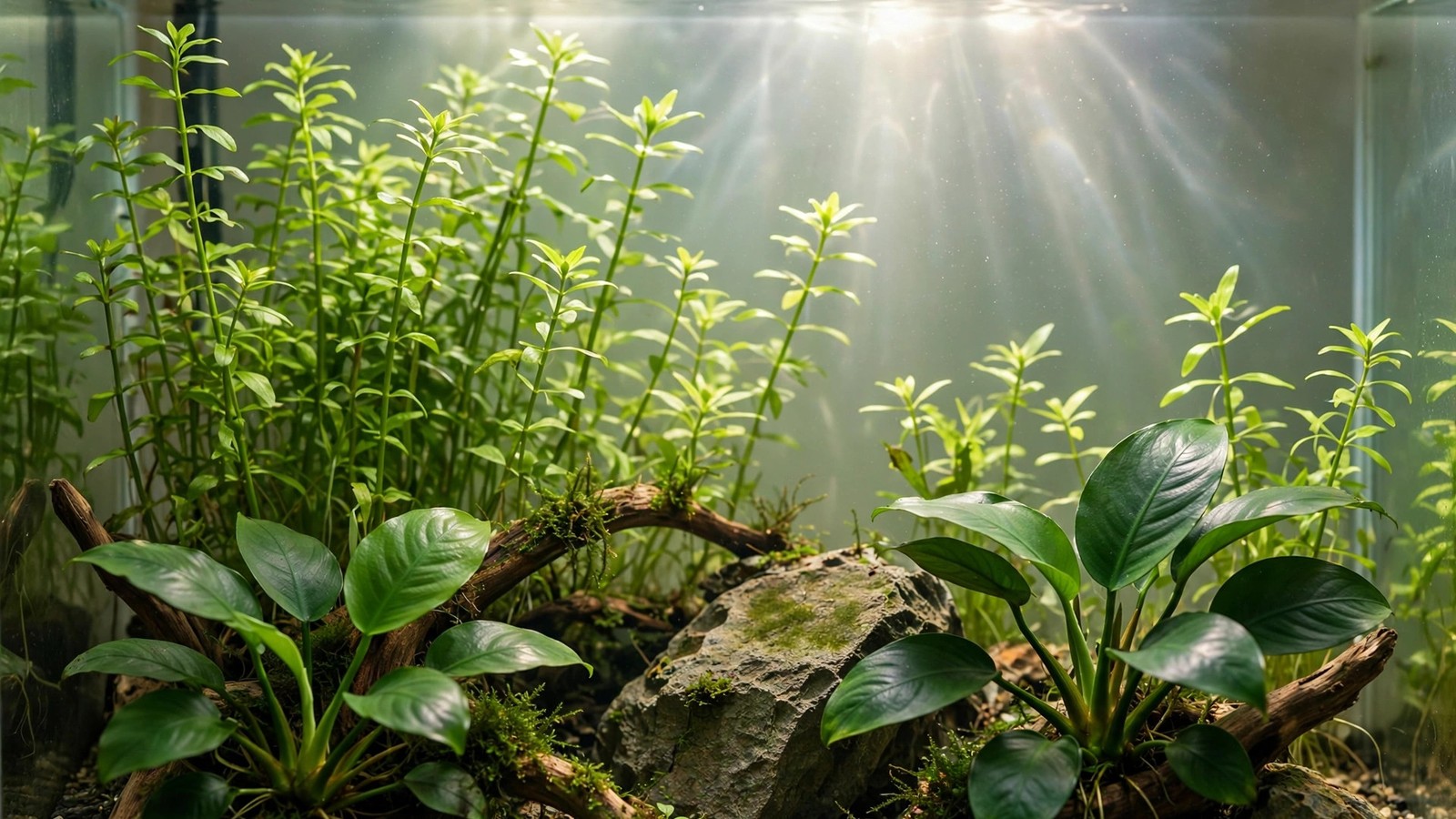
You did everything right. You wrapped the tank in blankets, killed the lights for four days, and uncovered it to glass-clear water and algae-free plants. A week later, green fuzz is creeping back across the same rocks. Here is the part nobody tells you before a blackout: a blackout is a weapon against algae, not a cure for the tank — and if you don't change what happens the day the lights come back on, you've just given the next bloom a head start. The algae that died in the dark doesn't vanish. It rots in place, dumps its stored nutrients straight into your water, and hands the surviving spores a freshly fertilized tank.
Why Blackouts Clear the Tank So Fast
Most tank algae — green water, hair algae, cyanobacteria — are photosynthetic organisms that run on light the way your plants do, only far more opportunistically. Take the light away completely and the algae cells burn through their stored energy reserves and die within a few days. Your plants, by contrast, are built for endurance: rooted plants carry starch reserves in their rhizomes and crowns and can coast through 3–5 days of darkness looking tired but alive. Delicate stem tips may stretch upward (etiolation) hunting for light, and some sensitive species like Rotala or Cabomba can melt back a little, but healthy established plants generally survive a blackout that wipes out an algae bloom. That asymmetry is exactly why the technique works — and exactly why the aftermath matters more than the blackout itself.
Reason 1: The Dead Algae Feeds the Next Bloom
This is the rebound mechanism most people miss. Algae are tiny nutrient sponges: as they grew, they locked up nitrate, phosphate, and other minerals inside their cells. When the blackout kills them, those cells break down and every milligram of stored nutrient leaks right back into the water column. Experienced hobbyists describe the post-blackout tank as a snow globe — the moment you disturb anything, a cloud of dead algal debris rises off the surfaces. That debris is fertilizer. If you simply uncover the tank and switch the lights back on, you've created the perfect bloom recipe: maximum dissolved nutrients plus full light, with almost no healthy plant growth to compete for either. A big water change on the day you uncover the tank — 50%, with a thorough gravel siphon and a turkey-baster blast of the hardscape — physically removes that nutrient load before the lights ever come back on. Guides like the 2Hr Aquarist's green-water protocol pair the blackout with exactly this: kill, then export the dead algae, then reset the conditions.
Reason 2: The Cause Never Left the Tank
A blackout removes light. It does nothing about the reason the algae had an advantage in the first place. Run through the usual suspects honestly: a photoperiod that drifted to 10–12 hours because someone "forgot" to switch the lights off, a light fixture that is simply too strong for a low-tech tank, CO2 that swings up and down instead of holding steady through the light period, nitrate and phosphate out of balance (including the sneaky one — nitrate bottoming out at zero, which almost guarantees cyanobacteria), and chronic organics from overfeeding, an overdue filter cleaning, or decaying leaves left to rot in the substrate. Whichever of these fed the first bloom is still feeding the second one. UKAPS regulars put it bluntly: kill the algae all you like, but if you don't change the behavior, it will be back — algae never lie about an imbalance, though test kits sometimes do. If your bloom was cyanobacteria specifically, take the hint seriously: it almost always means low nitrates and poor flow in dead spots, and a blackout will only be a pause button until you add nitrate (a complete NPK fertilizer or a nitrate supplement) and improve circulation.
Reason 3: Your Plants Come Out of the Dark Weaker
During the blackout, your plants were starving too — just more slowly. When the lights return, algae cells that survived in cracks and crevices rebound in hours, while your plants need a week or two to rebuild their photosynthetic machinery. That gap is the rebound window. Help your plants win it: trim away any leaves that came out of the blackout mushy, translucent, or coated in dead algae film — algae spreads from weak and dying growth, so prune it before it becomes the next bloom's beachhead. Then resume your normal fertilization schedule immediately, not gradually. A common mistake is to stop dosing "so you don't feed the algae"; in practice, that starves the plants you need to out-compete it. Keep CO2 running during the light period as usual (or resume your normal schedule if you paused it during the blackout), and consider adding a handful of fast-growing nutrient sponges — Ceratophyllum (hornwort), Egeria densa, or water sprite — for a few weeks. They drink nitrate and phosphate aggressively and give your main planting the cover it needs to recover.
Reason 4: Full Photoperiod Restored Too Fast
This is the single most common trigger for an immediate rebound, and it's entirely avoidable. The day the blankets come off, the temptation is to flip the lights back to your old schedule — often 8, 10, or even 12 hours. To algae, that's a starting gun. Restart at 4 hours a day for the first week, then add one hour per week until you're at your normal 6–8 hour planted-tank schedule. Keep the light intensity where it belongs for your setup during this ramp (if your fixture has a dimmer, run it a notch lower for week one). The Gardenaquaria blackout guide recommends exactly this pattern — lights back on for a short period, then a gradual increase once the algae doesn't reappear. Think of it as physical therapy for the tank: you don't sprint on a healing leg.
The Post-Blackout Protocol, Day by Day
Pin this routine to the tank stand. It's the difference between a blackout that holds and one you repeat every month.
| Day | What to do | Why |
|---|---|---|
| Day 0 (uncover) | 50% water change; siphon substrate; blast hardscape with a turkey baster; gently rinse filter media in old tank water | Exports the nutrient load released by dead algae before lights return |
| Day 0 (lights) | Lights on for 4 hours only, on a timer; CO2 on during the light period as usual | Starves recovering algae of energy while plants wake up |
| Days 1–3 | No extra feeding changes, but remove any newly melted or slimy plant material daily; test nitrate and phosphate | Decaying leaves are the next nutrient dump — remove them early |
| Week 1 | Hold at 4 hours of light; resume normal fertilizer dosing; add fast-growing stems or floaters if the tank is sparse | Feeds plants so they can out-compete algae; floaters act as nutrient sponges |
| Week 2 | Increase to 5 hours; 30–50% weekly water change continues | Gradual ramp keeps algae from getting a sudden energy surplus |
| Week 3+ | Add one hour per week up to 6–8 hours; fix the identified root cause (dim the light, stabilize CO2, correct NPK, clean filter) | The ramp is temporary — the root-cause fix is what makes it permanent |
Lock the Photoperiod on a Timer
Almost every "my photoperiod drifted to 11 hours" story starts with a light switch and a busy owner. Manual switching is the least reliable piece of equipment in the hobby. A programmable outlet timer turns the light schedule into a fact instead of a habit: set the 4-hour restart schedule on day zero, bump it by an hour each week without having to remember anything, and — most importantly — never let the tank drift back to dawn-to-midnight lighting again. Consistency is what plants are adapted to and what algae hates: stable, predictable light every single day.
Affiliate note: The timer I recommend for this job is the BN-LINK 7-Day Programmable Digital Outlet Timer ★4.7 — it's the common 2-outlet digital unit with multiple on/off programs, which is all you need to run a light and (on the second outlet) a CO2 solenoid on the same schedule. It's a cheap, boring, reliable tool, which is exactly what aquarium lighting should be. As an Amazon Associate I earn from qualifying purchases.
When a Second Blackout Actually Makes Sense
Sometimes one blackout doesn't finish the job — cyanobacteria is notorious for surviving a 3-day blackout in sheltered crevices. A second round is fine, but not as a reflex the morning the algae reappears. Wait at least one to two weeks so the tank's ecosystem (and your plants) recover, and spend that time fixing the root cause you identified: shorten the photoperiod, add nitrate if it's bottomed out, improve flow to dead spots, cut feeding back. Then, if the algae is genuinely back and the conditions are fixed, a second 3–5 day blackout — followed by the same day-one water change and 4-hour light restart — can finish it. Back-to-back blackouts without changes between them just train you to repeat a ritual instead of solving a problem, and each one weakens your plants further.
Frequently Asked Questions
Will a blackout kill my aquarium plants?
Healthy, established plants generally survive a 3–5 day blackout — they run on stored energy reserves in their rhizomes, crowns, and roots. Delicate stem plants may stretch upward or melt back a little, and very sensitive species can struggle past five days. Keep blackouts to 3–5 days, keep the filter and heater running, and resume fertilizing immediately after so plants recover fast.
Does a blackout kill cyanobacteria (blue-green algae)?
It can knock cyanobacteria back hard, but a blackout alone rarely finishes it, because cyanobacteria almost always signals an underlying problem: nitrate bottomed out at zero, poor flow in dead spots, or excess organics. Treat the blackout as the reset, then add nitrate via a complete NPK fertilizer, improve circulation to the affected areas, and siphon out the dead mats — otherwise it returns within weeks.
Should I keep dosing fertilizer after a blackout?
Yes — resume your normal dosing schedule immediately. Stopping fertilizer to "starve the algae" starves your plants first, and weak plants are algae's best friend. Algae can grow in nearly nutrient-free water; your plants can't. Feed the plants, and they'll do the competing for you.
Why did my green water come back three days after the blackout?
Two likely reasons: you skipped the day-one water change, so the dead algae's nutrients stayed in the tank and fed the survivors; or you restored the full photoperiod immediately. Green-water algae rebounds fastest of all because it lives suspended in that nutrient-rich water. Do the 50% water change on uncover day, restart at 4 hours of light, and consider a UV sterilizer as a permanent backup if green water is a recurring problem.
Can I just blackout the tank every month instead of fixing things?
You can, but each blackout weakens your plants a little more while leaving the imbalance untouched, so the blooms come back faster and stronger each time. Repeated blackouts also stress fish and shrimp and destabilize your biological filter. One blackout plus a real fix beats twelve blackouts plus hope.
How long until I know the blackout actually worked?
Give it three weeks of the ramped photoperiod (4 hours building toward 6–8) with weekly water changes. If algae hasn't reappeared by the time you're back at your normal schedule — and you've fixed the root cause — the tank has turned the corner. If it creeps back at the same light level as before, the cause is still there, and no amount of darkness will change that.